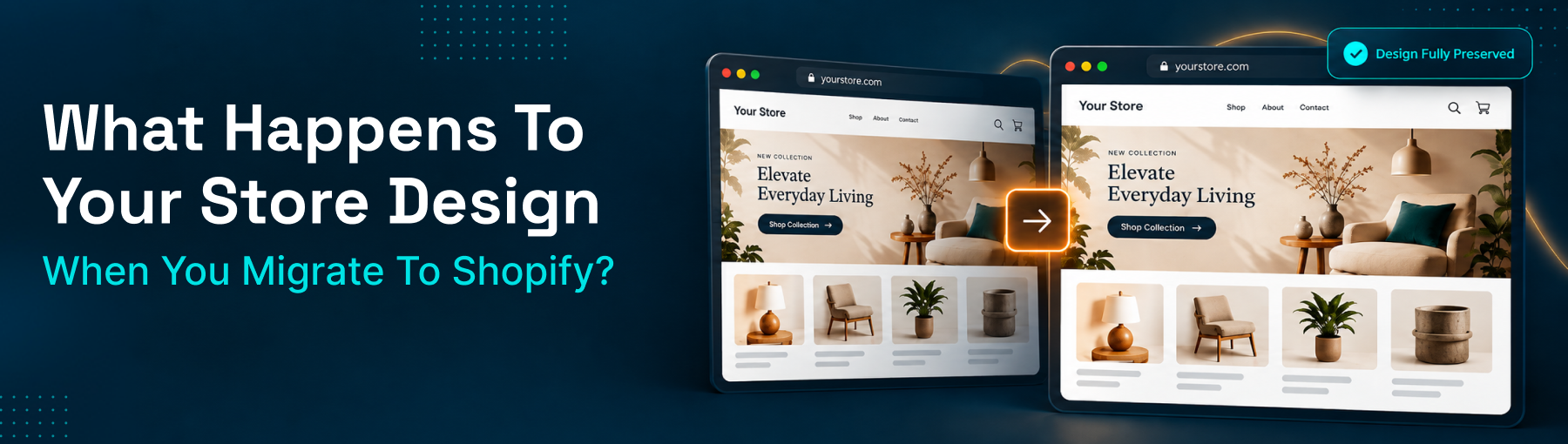
What Happens to Your Store Design When You Migrate to Shopify?
Wondering if your website design transfers when you migrate to Shopify? Here's what actually happens to your design, content, and branding.
Short answer: your visual design doesn't migrate - your content does. That's true no matter which platform you're coming from or which migration tool you use. Products, customer records, orders, blog posts, and pages can transfer to Shopify. The look and feel built in Wix's editor, a Squarespace template, or a custom WordPress theme can't, because Shopify runs on its own completely different theme architecture. That's not a flaw in any particular tool - it's true of every platform migration. Here's what that actually means for your store, and why it's less of a problem than it sounds.
The Honest Answer: Your Design Doesn't Migrate - Your Content Does
Every platform builds its visual layer differently - Wix's drag-and-drop editor, Squarespace's template system, WordPress themes, BigCommerce's Stencil framework - and Shopify uses its own system built on Liquid and, for modern themes, Online Store 2.0's section-and-block structure. There's no technical bridge that translates one platform's design code into another's. What a migration tool moves is the substance: your product data, images, customer accounts, order history, and content. The container that content sits in - your new Shopify theme - is a separate build.
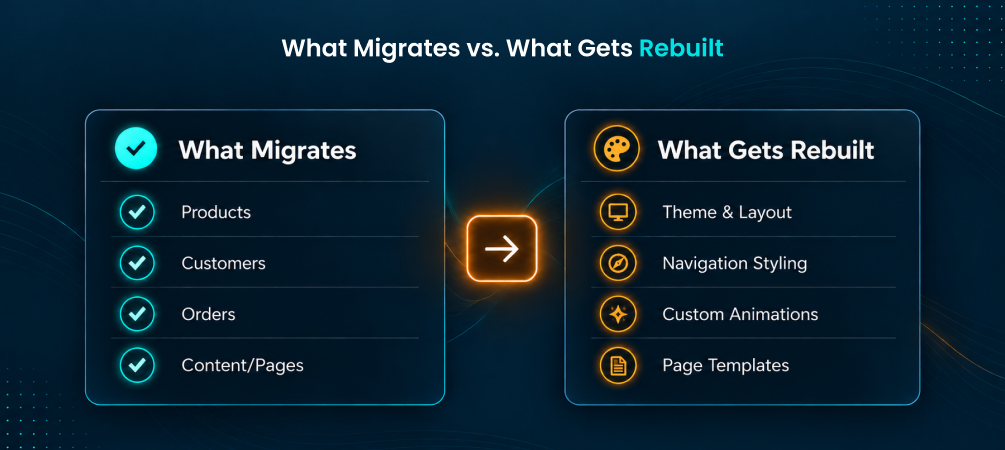
👉 See exactly what content migrates with ShiftItNow so your new theme has real content to work with from day one.
The Two-Track Migration: Data and Design Run in Parallel
The mistake a lot of merchants make is treating design as something to figure out after the data migration finishes. In reality, they're two separate tracks that should run at the same time. Your migration tool handles the data track - products, customers, orders, pages, blog content. Your design track - choosing or building a Shopify theme, setting up navigation, styling your homepage - happens independently, and can start before your data migration is even complete.
👉 Run a free demo migration with ShiftItNow while you shop for your new Shopify theme in parallel.
Why This Is Actually a Good Opportunity, Not Just Bad News
A forced design reset sounds like extra work, but it's also the best moment to fix things you'd been putting off - a homepage layout that never converted well, a mobile experience that felt like an afterthought, product pages that buried key information. Shopify's Online Store 2.0 theme framework gives merchants far more section-based flexibility than most legacy platform templates allow, without needing custom code for basic layout changes. Migrating your store is a natural checkpoint to upgrade your design instead of just recreating what you had.
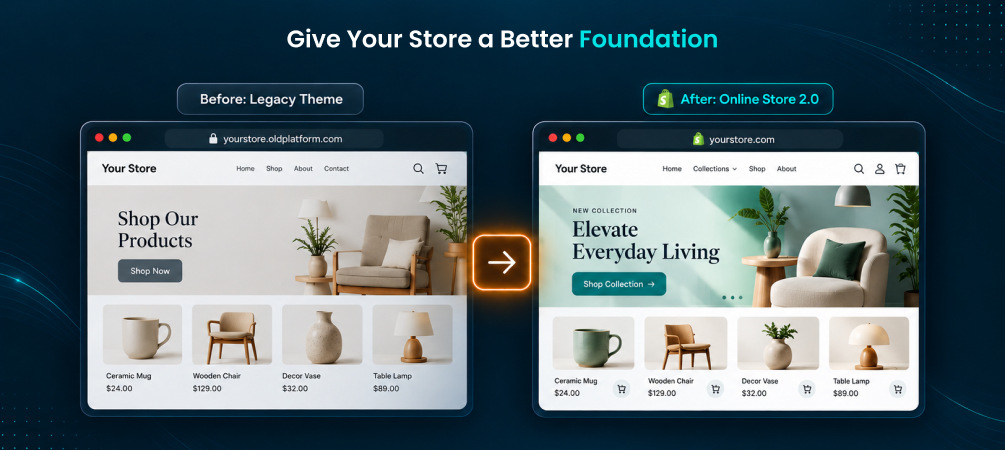
👉 Talk to a migration expert about timing your data migration alongside your new theme setup.
What You Should Carry Over for Brand Consistency
Even with a new theme, your brand shouldn't feel unrecognizable. Bring over your logo files in their original high-resolution format, your brand color palette and fonts as a reference style guide for whoever builds your theme, your existing high-resolution product photography, and the tone and voice of your existing copy. These are the elements that keep returning customers confident they're still shopping with you, even though the layout around them has changed.
What Needs Rebuilding From Scratch
Custom functionality built into your old site - a quiz-style product finder, a custom booking widget, unique page animations, anything built with custom CSS or JavaScript - won't carry over and needs a Shopify app equivalent or custom development. This is closely related to one of the most common Shopify migration mistakes: assuming a plugin or custom feature will just "show up" on the new platform. Auditing your current site's functionality before migration day, not after, is what prevents a feature gap from becoming a launch-day surprise.
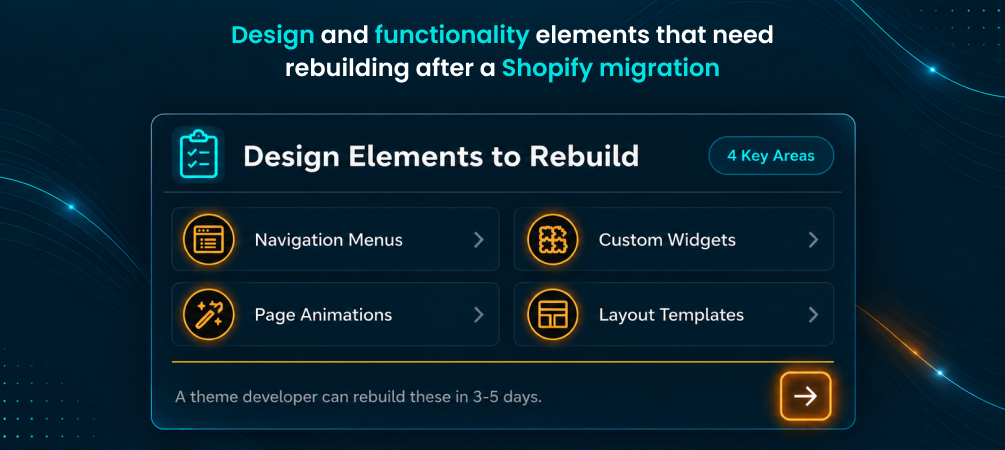
👉 Migrate your content and functionality list together instead of discovering gaps after launch.
Why Most Migration Tools Leave You Guessing on Design
Here's where a lot of merchants get stuck: many migration tools only move product listings and skip your existing pages, blog posts, and navigation structure entirely - which means whoever builds your new theme is starting from a blank slate instead of your actual content. A complete migration tool should bring across your full pages and blog content alongside products, so your new Shopify theme is built around real content from day one instead of placeholder text that gets swapped in later.
Quick Design Migration Checklist
- Start shopping for a Shopify theme as soon as you commit to migrating, not after data transfer finishes
- Export your logo, brand colors, fonts, and product photography in their highest resolution
- Audit custom functionality on your current site and find Shopify app equivalents before launch
- Make sure your migrated pages and blog content are ready to drop into your new theme's layout
- Test your new design on mobile specifically, since that's where most traffic and most layout problems show up
For more on avoiding functionality gaps, see our guide on common Shopify migration mistakes, and if you're wondering whether a design change affects your search visibility, here's what actually impacts your SEO during a migration.
FAQ: Store Design and Shopify Migration
Will my website design automatically transfer when I migrate to Shopify?
No. Design and layout are tied to your current platform's theme system and don't transfer to any other platform, including Shopify. Your content - products, pages, blog posts - does migrate.
Can I keep the exact same look on Shopify as my old site?
You can get close by recreating your layout and styling in a Shopify theme, but an exact pixel-for-pixel match usually isn't practical since the underlying theme systems work differently. Most merchants aim for brand consistency rather than an identical copy.
Do I need a developer to build my Shopify theme?
Not necessarily. Shopify's Online Store 2.0 themes are built for merchants to customize without code for most layout and styling needs. A developer becomes useful for custom functionality beyond what a theme's built-in sections support.
Will migrating my content also migrate my page layout?
Content migrates as substance - text, images, structure - but it gets placed into your new theme's layout rather than recreating your old page's exact visual arrangement.
How long does setting up a new Shopify theme take?
It varies widely, from a few days for a simple theme with light customization to several weeks for a fully custom build - which is why it's worth starting in parallel with your data migration rather than after it.
Does changing my design affect my SEO rankings?
Not directly, as long as your content, headings, and URLs are handled correctly during migration. Visual design changes don't hurt rankings - losing content or breaking URLs in the process does.
Your design doesn't move with your data, and that's not a gap in your migration tool - it's just how platform migrations work everywhere. Plan for it as its own project, and you'll come out the other side with a store that looks better than it did before, not just a copy of what you had.
👉 Install ShiftItNow from the Shopify App Store and migrate your content while you build your new look in parallel. No card required.